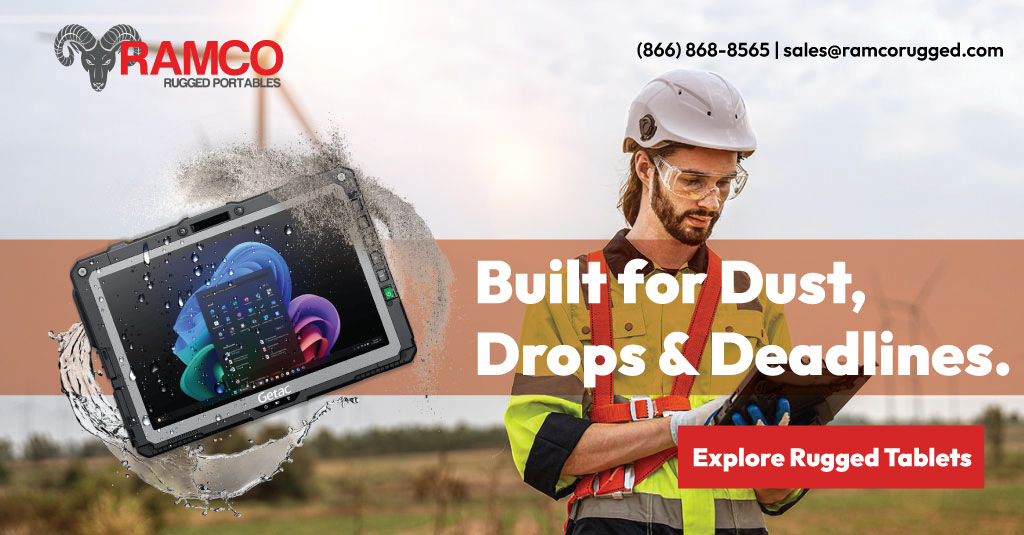
Rugged Tablets: Built for Dust, Drops & Deadlines

Rugged Tablets for Construction

Construction teams need technology that can move between the trailer, truck, equipment, and active jobsite without slowing the work down.

Ramco Rugged offers rugged tablets built for demanding field environments, giving project managers, superintendents, field engineers, inspectors, technicians, and crews access to the information they need wherever the work is happening.

Review plans. Complete inspections. Document progress. Update field information. Stay connected.

One device. Built around the way your crew works.


Take the Work Into the Field

Less Back-and-Forth. More Work Where It Happens.

Construction workflows are increasingly digital, but that information isn’t much help if crews have to return to the trailer every time they need to review a drawing, enter an inspection, or update project documentation.

A rugged tablet brings those workflows directly to the jobsite.

Plans, Drawings & Project Documents

Give supervisors and field teams access to drawings, specifications, schedules, markups, and other project documents while they’re standing where the work is actually happening.

Use a larger Windows tablet when screen space and computing performance are priorities, or a compact tablet when mobility matters more.

Inspections

Complete inspections, enter field information, record deficiencies, capture signatures, and work through punch-list items directly from the site.

Glove- and wet-touch capabilities available on select rugged models help keep the touchscreen usable when conditions are less than ideal.

Progress Documentation

Capture photos and field notes as work progresses instead of relying on handwritten notes or remembering details at the end of the day.

Integrated camera options also make rugged tablets useful for documenting completed work, site conditions, equipment, deliveries, and issues that need attention.

Field-to-Office Communication

Keep information moving between crews, project teams, and the office.

Available Wi-Fi, LTE, 5G and GPS configurations can provide connectivity away from a traditional workstation when the network environment allows it.

Mapping & Location-Based Work

For civil construction, utilities, site development, inspections, and other location-dependent applications, tablets with available GPS capabilities can support mobile mapping and field-data workflows.

Vehicle & Equipment Workflows

A tablet doesn’t have to stay in someone’s hands.

Available vehicle docks, cradles, keyboards, power solutions, and external antenna connections can turn select rugged tablets into mounted workstations for supervisors, service vehicles, heavy-equipment operations, and other mobile applications.


Built Around Real Jobsite Conditions

Features That Matter When You Leave the Office

A long specification sheet doesn’t automatically make a device right for construction. These are the capabilities I’d put front and center on the page:

Outdoor Visibility
Sunlight-readable displays available on select models make drawings, forms, and field applications easier to view outside.

Glove & Wet-Touch Operation
Select displays are designed to respond when crews are wearing gloves or when the screen is exposed to rain or moisture.

Dust & Water Protection
IP-rated options help protect the device from the dust, dirt, and water exposure common in field environments.

Drop & Vibration Resistance
Rugged models are tested against drops, shocks, vibration, and other stresses that standard office devices may not be designed to withstand.

All-Day Power Options
Hot-swappable, replaceable, and high-capacity battery configurations are available on select models, helping crews stay productive when an outlet isn’t nearby.

Field Connectivity
Choose from configurations with Wi-Fi, mobile broadband, GPS, Bluetooth, and other communication options based on how your team works.

Flexible Input
Touch, stylus, physical keyboard, programmable buttons, barcode scanning, and other options can help adapt a device to different construction workflows.
Find the Right Tablet for the Job

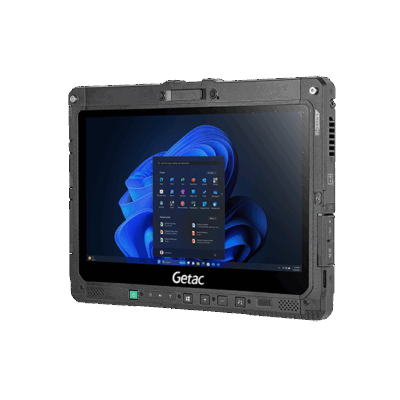
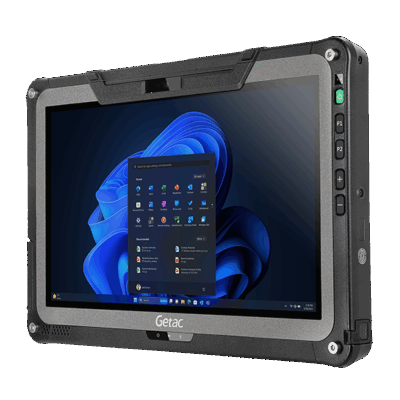
GETAC F110

For Plans, Field Reporting & Project Management

The F110 gives crews a larger 11.6-inch Windows workspace without turning the device into a traditional laptop. Its 1,200-nit display is designed for outdoor visibility, while its IP66 rating, MIL-STD-810H certification, six-foot drop rating, and dual swappable battery system make it well suited to demanding field environments. Optional keyboards, handles, vehicle docks, office docks and connectivity configurations let it move between field, vehicle, and office use. Getac

A good fit for:

  • Project managers
  • Superintendents
  • Field engineers
  • Drawing and document review
  • Detailed inspection/reporting workflows
  • Teams that need Windows applications in the field

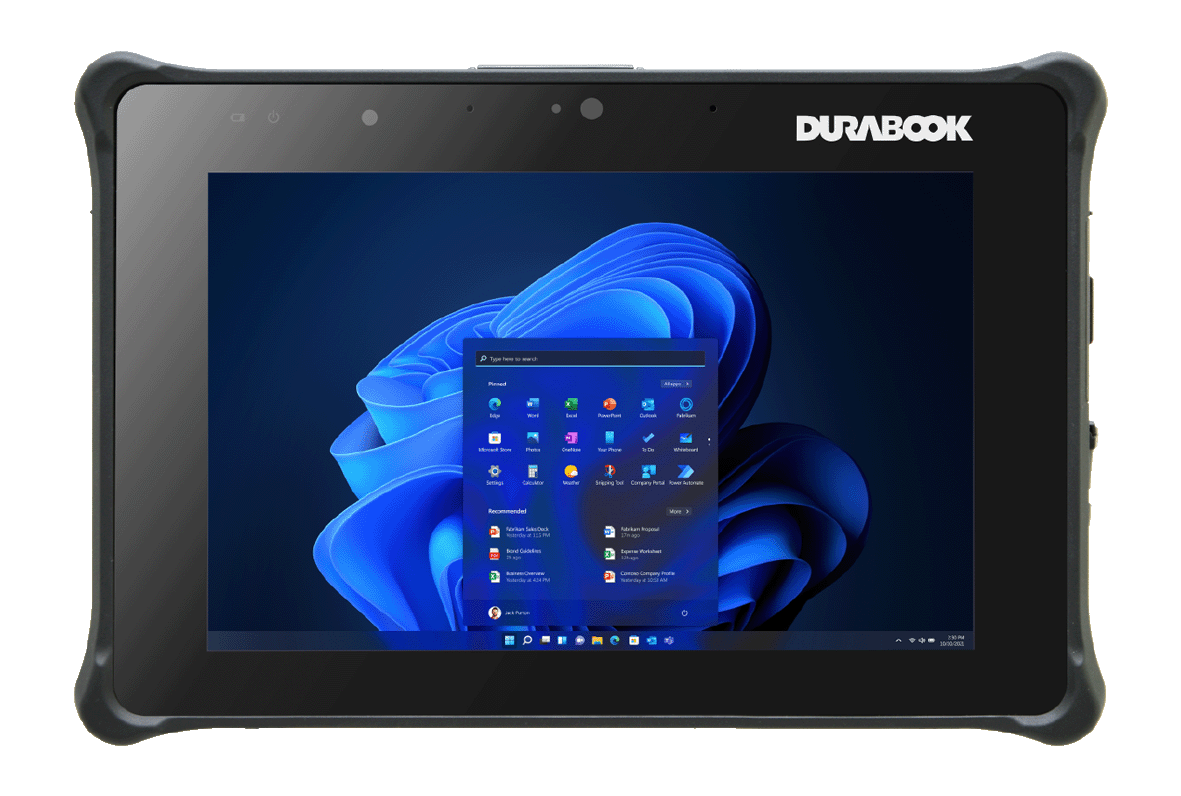
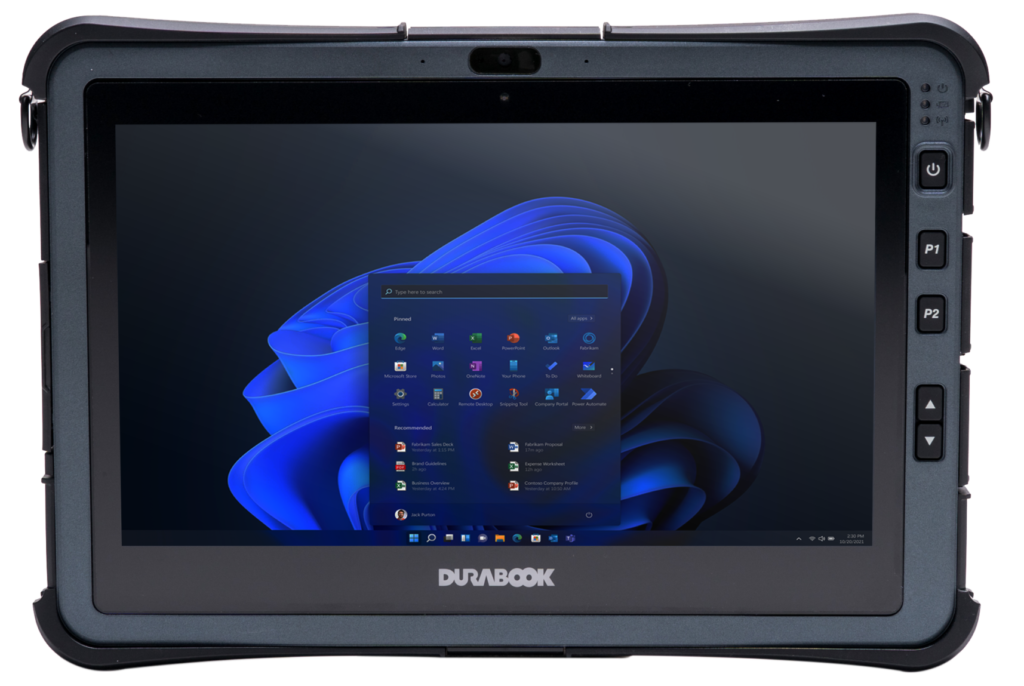
DURABOOK U11

For Demanding Windows Field Work

The DURABOOK U11 combines an 11.6-inch Windows platform with significant configuration flexibility. Available features include a 1,000-nit sunlight-readable display, glove/water/stylus touch modes, 4G LTE and project-based 5G options, and a high-capacity battery rated for up to 20 hours under the manufacturer’s test conditions.

It is MIL-STD-810H certified, IP66 rated and six-foot drop tested. Durabook

A good fit for:

  • Field engineers
  • Construction technicians
  • Site supervisors
  • Extended field reporting
  • Larger forms and project documents
  • Operations requiring additional ports or expansion

DURABOOK R8

For Inspections, Punch Lists & Highly Mobile Crews

Not every construction workflow needs an 11- or 12-inch device.

At 8 inches and approximately 1.9 pounds, the R8 is designed for users who move constantly throughout the day. It offers an 800-nit sunlight-readable display with finger, water, glove and stylus modes, along with optional LTE and GPS.

The R8 is IP66 rated, MIL-STD-810H certified and six-foot drop tested. Durabook

A good fit for:

  • Inspectors
  • QA/QC teams
  • Punch-list work
  • Field data collection
  • Maintenance teams
  • Users who prioritize portability

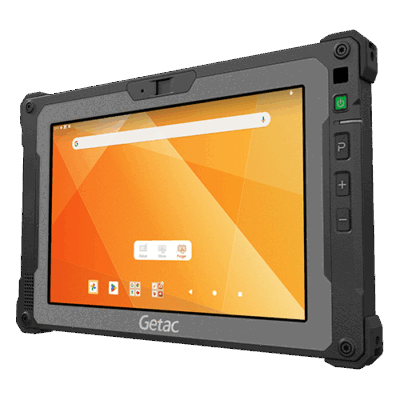
GETAC ZX80

For Lightweight Android Field Work

For teams whose workflow is built around Android applications, the Getac ZX80 provides a compact alternative.

The 8-inch, approximately 1.3-pound tablet includes a 1,000-nit display and offers optional GPS, LTE/5G connectivity, barcode scanning and an additional swappable battery. It carries an IP67 rating, MIL-STD-810H certification and six-foot drop resistance. Getac

A good fit for:

  • Mobile inspections
  • Field forms
  • Photo documentation
  • Asset identification
  • GIS-enabled field applications
  • Crews who need a small, lightweight device

GETAC K120

When the Tablet Needs to Become a Workstation

Some construction teams need more than handheld mobility.

The K120 pairs a 12.5-inch, 1,200-nit display with optional keyboard, vehicle cradle, vehicle dock, office dock, handles and other accessories. It can move between tablet, laptop-style, vehicle-mounted and office workflows without requiring a completely different computer.

It also offers dual swappable batteries, optional 4G/5G connectivity and GPS, and carries IP66 and MIL-STD-810H rugged ratings with six-foot drop resistance. Getac

A good fit for:

  • Construction supervisors
  • Field engineers
  • Vehicle-based teams
  • Surveying and mapping workflows
  • Users moving between field and office
  • Applications requiring more screen space or physical keyboard input

Why Ramco Rugged?

The Right Device Is More Than a Brand Name.

Ramco Rugged offers rugged computing products from manufacturers including Getac, DURABOOK, Zebra, Trimble, Patrol PC and Handheld USA, allowing customers to evaluate different platforms rather than being locked into a single manufacturer.

  • Multiple Rugged Brands
    Compare different form factors, operating systems, performance levels and ruggedness options.
  • Configurations Built Around Your Work
    Choose the device, connectivity, power, mounting and accessories that make sense for your application.
  • Field-Ready Accessories
    Build a complete setup instead of trying to make unrelated equipment work together after deployment.
  • Rugged Computing Specialists
    Ramco’s focus is mobile computing designed specifically for environments where ordinary consumer technology may not be appropriate.

Keep the Crew Moving.

Let’s Build the Right Setup for Your Jobsite.

Whether you’re equipping a few field supervisors or standardizing mobile technology across an entire construction operation, the right solution starts with understanding how your crews work.

Tell us what your team needs to run, where they’ll use it, and how they’ll work with it.

Ramco Rugged can help you narrow down the device and configuration that fits the job.

Contact us and Get a Quote

Message us your specific product needs and location within the U.S. for a quote and our dedicated team will respond quickly.

Follow Us